Learn. Build. Contribute. Secure.
October ends, but the knowledge stays. Share what you know about staying safe online, add it to a free open-source library, and earn verified badges. Your first contribution takes 2 to 5 minutes, and you don't need to code.
Create a free GitHub accountVisit the project
Never used GitHub before? That's fine. This page writes your contribution for you, and shows every screen you'll see on GitHub. Nothing you do can break the project: a mentor checks everything before it's added.
NEW · SHIELD UPProtect your people. Earn real badges.
Practise real-life security decisions, build an awareness kit for your market, church, mosque, school or family, and run a session with your squad. Play
Start here
Not sure? Open github.com/settings/profile. Your username is shown at the top. We use it to credit you and send you your badge.
Three ways to take part
1. Share a post
2 minutesPost one security tip on LinkedIn, X, Instagram, Facebook, TikTok, Threads or Medium with #CyberSecTOBER, then fill in the two boxes below.
Fill in your username and the two boxes above.
Earns awareness badges: Awareness Advocate for your first post, Signal Booster for 5, Awareness Ambassador for posting every week of October.
2. Add a tip
5 minutesFill in your username and the two boxes above.
Earns 3 points and the First Contribution badge.
3. Write something longer
15 to 60 minutesPick what you'd like to write. We'll open a new file on GitHub that is already named and set up for you, with a starter you just fill in.
Create my file on GitHubWant something bigger, like a tool, lab or threat model? See the open-to-all challenges and the intermediate and advanced challenges (5 to 20 points).
What you'll see on GitHub
Every way of taking part goes through the same 5 screens. Just press the button with the green glow at each step. On a phone, everything works the same in your browser.
Make your own copy. The first time, GitHub asks you to make a copy of the project (called a fork) so you can suggest a change. Press the green button. You only do this once.
You need to fork this repository to propose changes.
Fork this repositoryAdd your line. You'll see the file with everyone's lines. Tap at the very end of the last line, press Enter to start a new line, and paste. Don't change anyone else's lines.
- **Check the sender's real address**… (@DamilolaAbiona)- **Your tip**, your sentence. (@you) ← paste here
Save it. Press Commit changes… at the top right of the editor.
Suggest it. A box pops up. You can leave the message as it is. Press Propose changes.
Send it to us. Press Create pull request. A form opens: you can add a short note about your contribution, then press Create pull request one more time. That's it.
✓ Able to merge.
Create pull requestWhen you see Open next to your title, you're done. We'll take it from here.
What happens next
- Automatic checks look for duplicates and formatting problems, and leave a comment if anything needs fixing.
- A mentor reviews your contribution, usually within 48 hours.
- When it's added, you get an email with your badge, one-click Add to LinkedIn and Share on X buttons, and a public verification page.
- Your name appears on the leaderboard, and your contribution gets its own page that anyone can read.
Badges you can earn
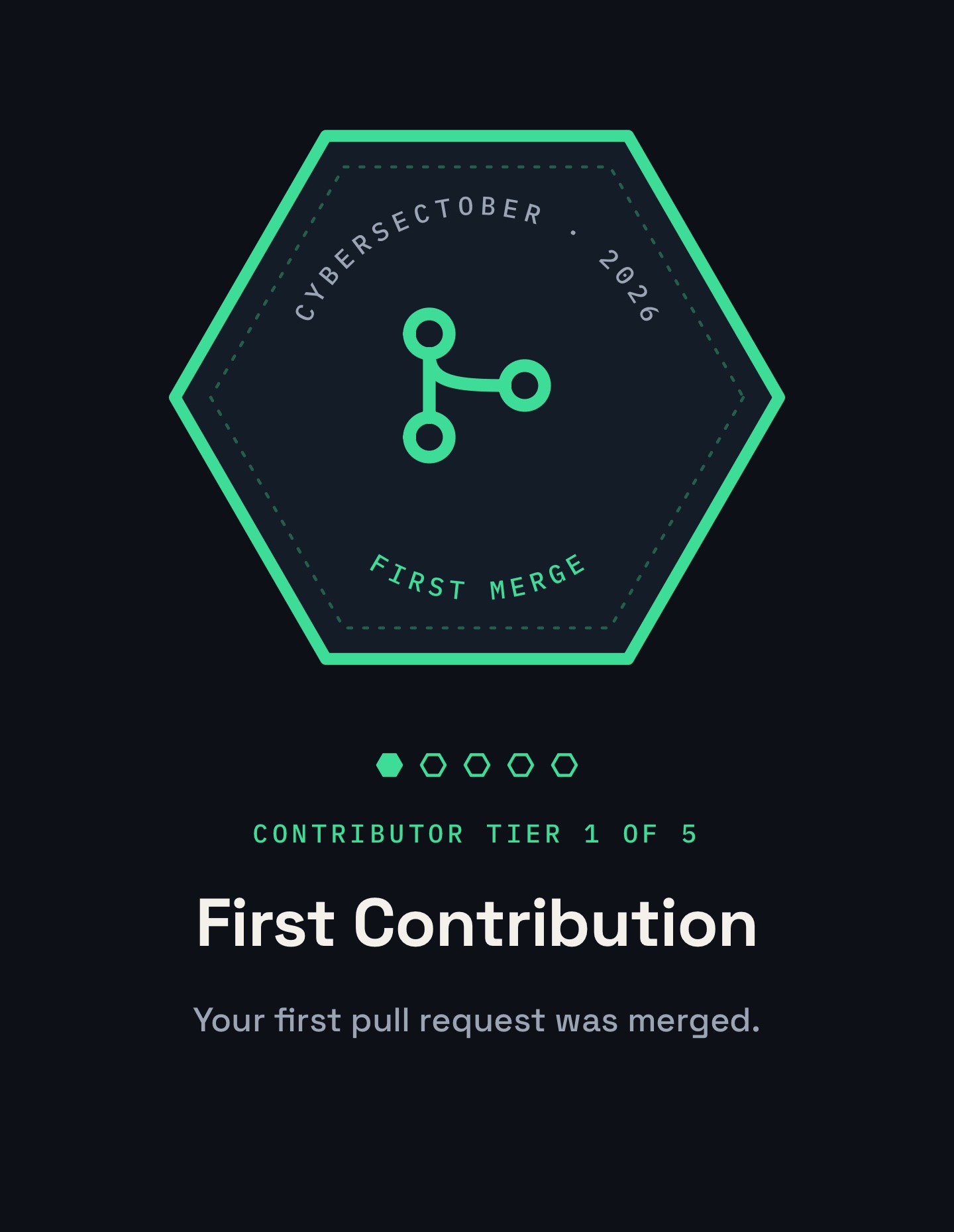
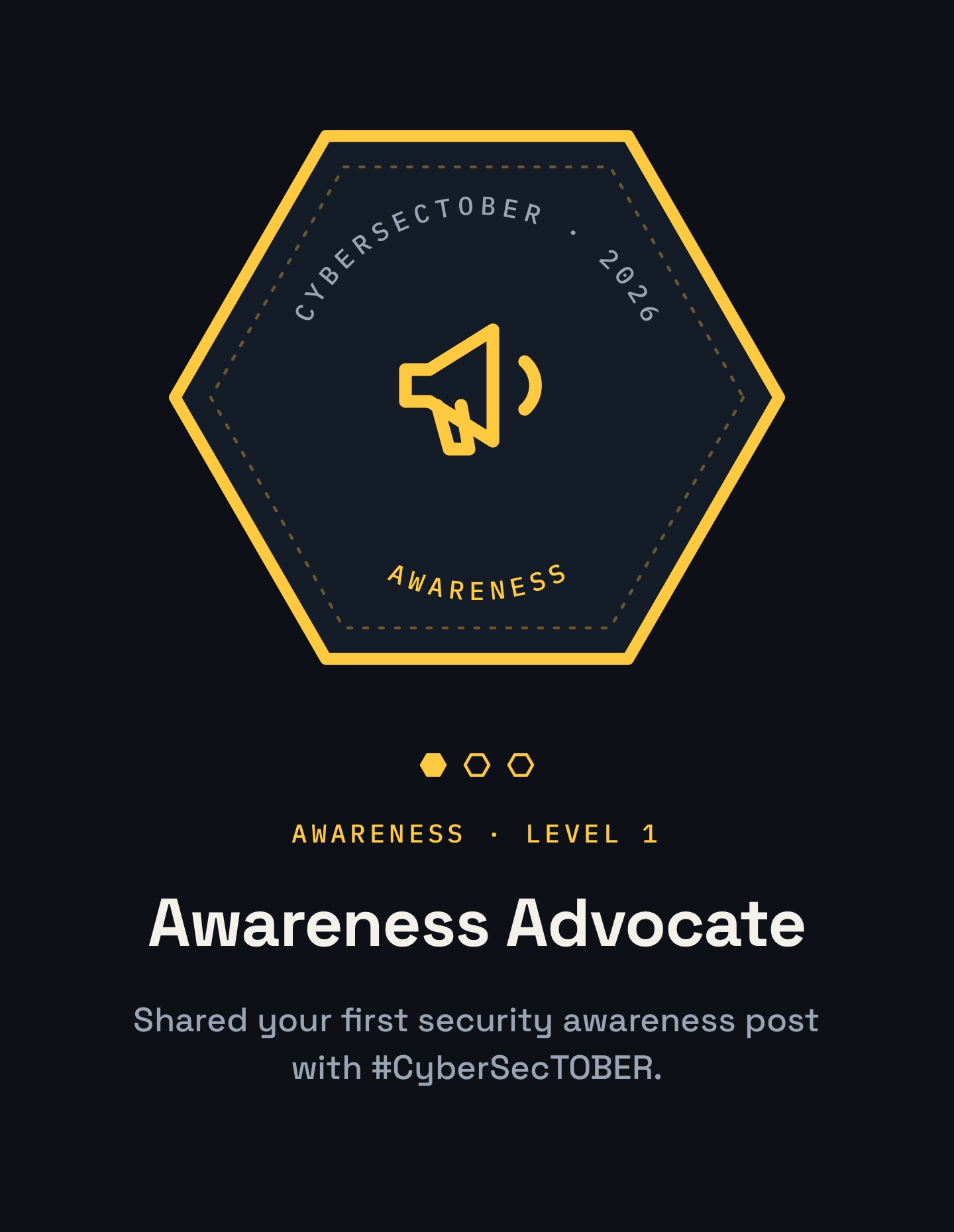
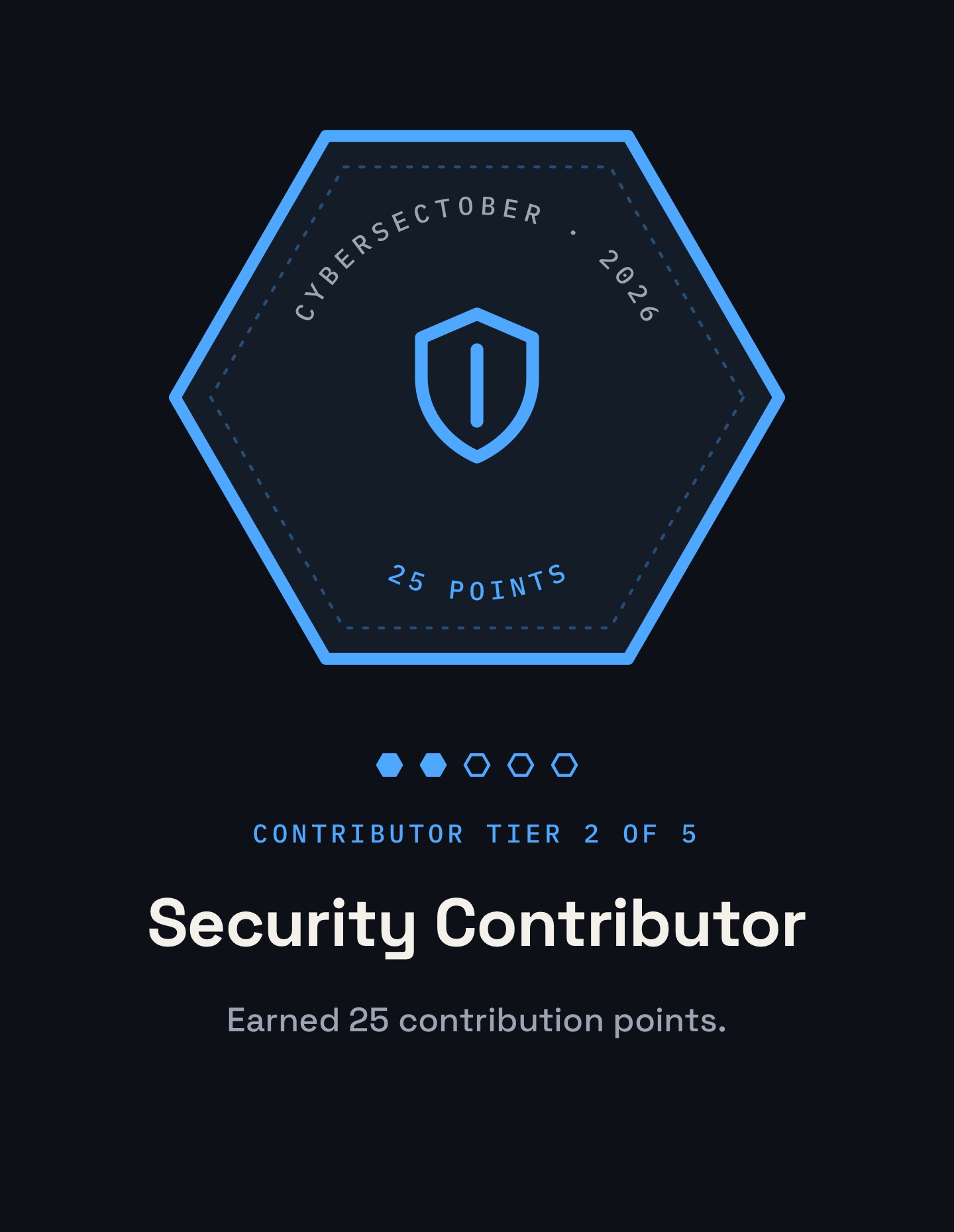
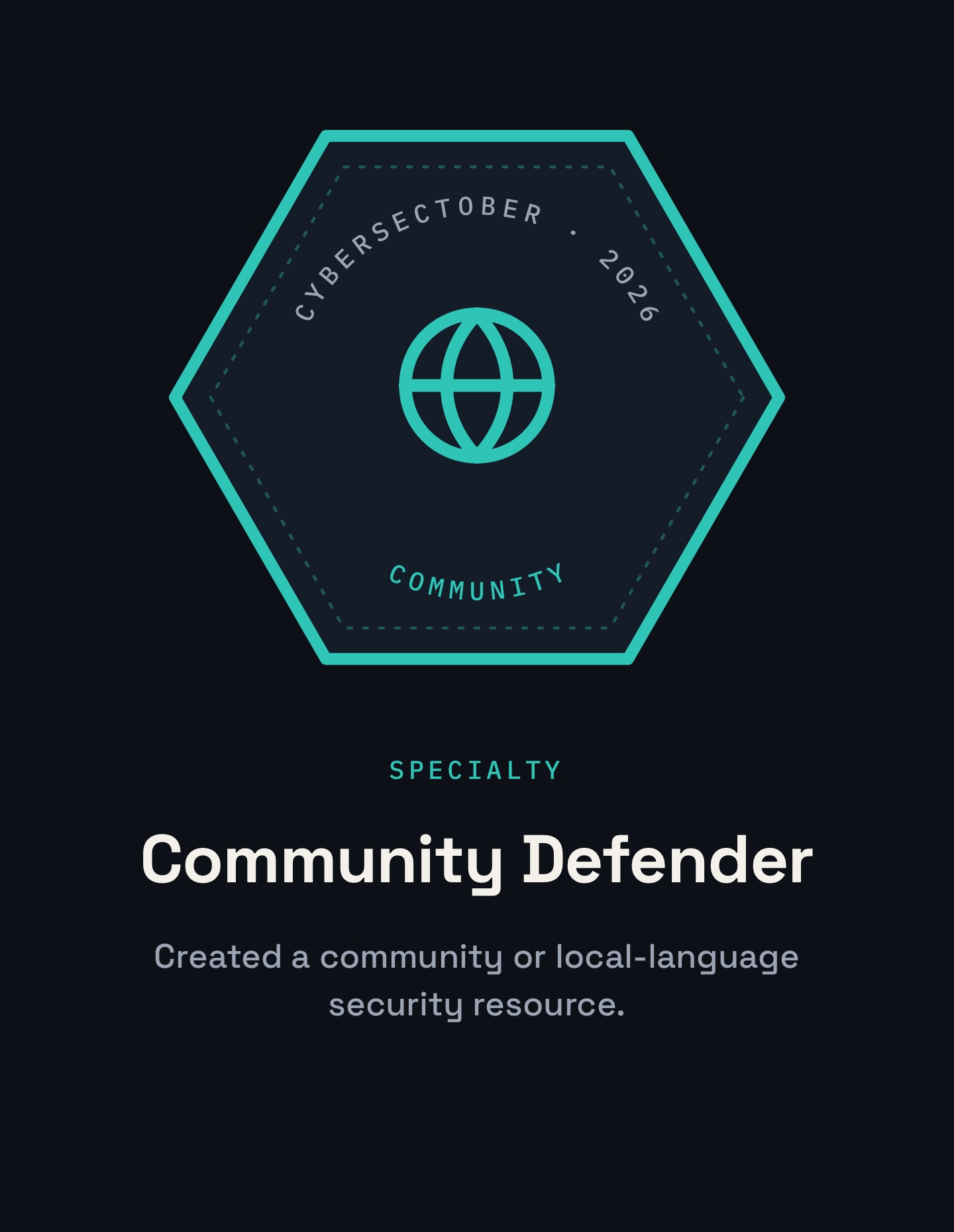
Plus 10 more, from Security Builder to Cyber Guardian. See all badges.